How to review an AI-written npm audit fix pull request
Trace the advisory through the dependency tree, inspect what the fix actually changed, and test the affected behavior before approving.
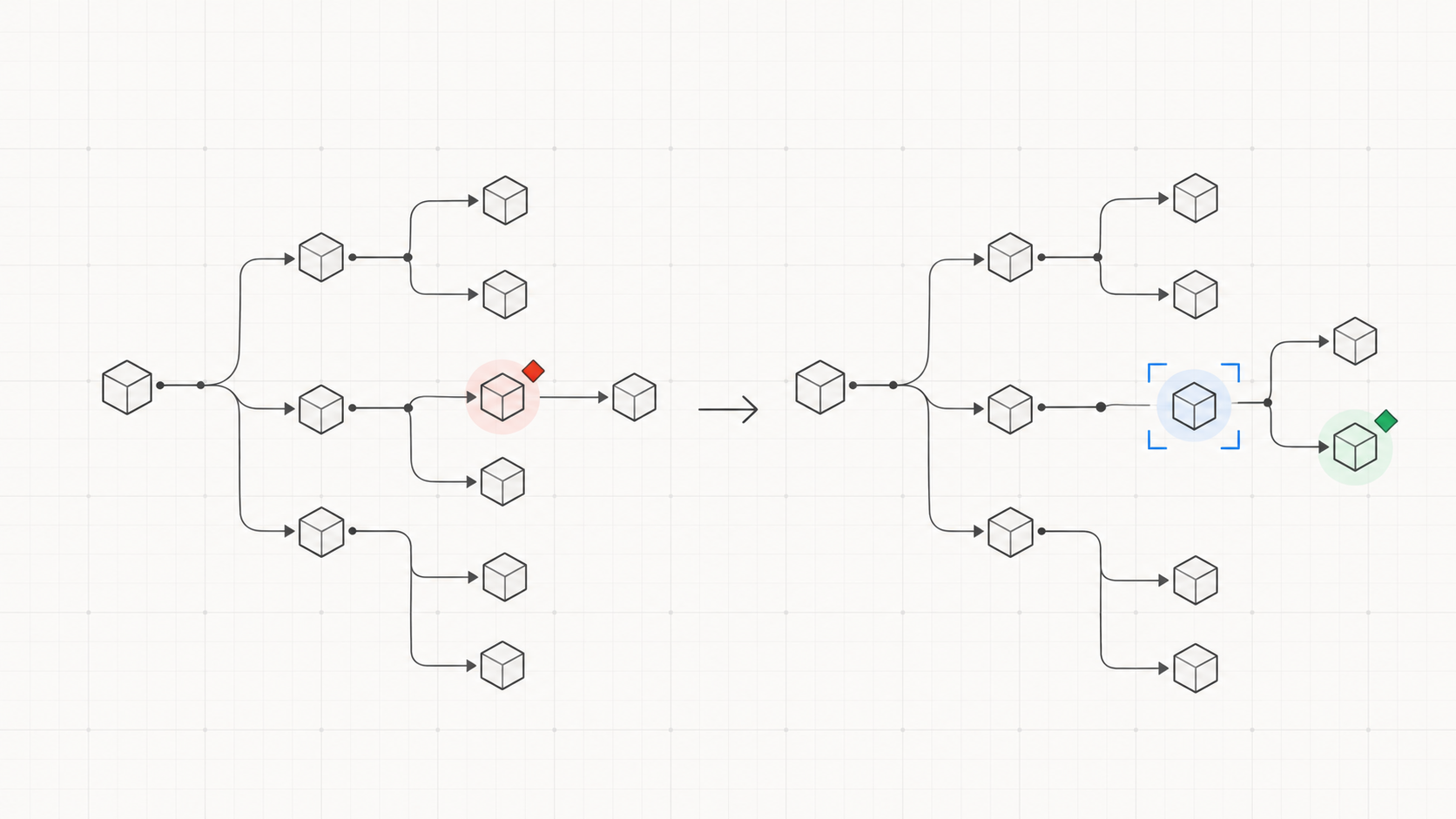
When an agent opens a PR after running npm audit fix, review the change as a dependency upgrade with a security reason. First identify the advisory and the installed package path it affects. Then inspect the manifest and lockfile changes, run a clean install, and test the code that consumes the changed packages. A lower vulnerability count is useful evidence, but it is not an approval decision.
Suppose the PR says it fixes a vulnerable transitive package in a Node service. The agent may have changed only package-lock.json, or it may have used --force and moved a direct dependency across a major version. Those are different reviews. Ask for the command and the before-and-after dependency path before reading hundreds of lockfile lines.
Locate the advisory in the installed tree
Read the original audit finding: affected package, vulnerable range, severity, advisory, and the path from a direct dependency to the installed version. Use npm ls <package> in the relevant workspace to see why it is present. Also ask whether the affected package ships to production or is used only by a development tool. That does not by itself settle exploitability, but it tells you which behavior and deployment path need attention.
Record the starting state. A useful PR description names the advisory, the old and new installed versions, and the command that produced the change. If the initial report was not kept, rerun the audit against the base branch in a separate checkout. Audit results can change as advisories change, so distinguish a newly reported finding from a dependency introduced by this PR.
In Review Assist, compare that reason with the original ask in problem.user_asks and the constraints in approach.requirements. If the agent also upgraded unrelated packages, use the scope review to decide whether they belong in the same PR.
Read the package changes as code changes
Check package.json, the lockfile, and workspace manifests together. Name every direct dependency whose declared range changed. In the lockfile, follow the path that resolves the vulnerable package and scan for other changed top-level packages, new registries, install scripts, and a large unrelated resolution churn. A lockfile diff is generated data, but it still defines what a clean install will run.
Find out whether the agent used plain npm audit fix or npm audit fix --force. npm documents that the first applies compatible updates and that --force can install top-level packages outside their stated ranges, including major versions. If a major upgrade was needed, read that package's migration notes and inspect the repository code that calls it. Do not treat an audit command's exit status as a compatibility test. See npm's audit command documentation for the command behavior.
For a transitive change, the consuming API might stay stable, but you still need the path and an appropriate test. For a direct major change, review configuration, imports, plugin interfaces, and runtime assumptions. If the PR combines several remediations, make the evidence specific to each affected package rather than one blanket claim that the suite passed.
Reproduce the result and exercise the consumer
From the proposed head, run npm ci with the repository's normal Node and npm versions so the committed lockfile drives a clean install. Rerun npm audit and compare the remaining findings with the PR's claim. A clean audit means the registry reported no known findings for that dependency tree at that time; it does not prove that the package or application is secure.
Then run the repository's build and relevant tests. Add a focused check for the actual consumer: for example, an HTTP client upgrade should exercise the request and error paths your service uses, while a build-tool upgrade should produce the expected artifact. If the affected package is deployed, ask how the changed path was tested in the deployed runtime. A passing test suite that never reaches the upgraded behavior leaves a specific gap.
Review Assist records checks that ran in verification.performed and gaps in verification.not_verified. Match those entries to the final dependency tree and code. Its tour can anchor the changed manifest and lockfile hunks, while the GitHub App recounts coverage on the PR. That coverage only says the changed hunks have an explanation. It does not scan dependencies or establish that the remediation works. The green-check guide explains that boundary.
Decide what remains open
If the audit still reports a finding, identify which package path remains and why the chosen fix did not remove it. The answer may be a blocked upstream upgrade, an incompatible major release, or a finding with no available fix. Record the owner and follow-up; do not silently describe the PR as fully remediated. If a proposed workaround changes application behavior, review and test that behavior separately.
A useful review request is: “The audit count fell, but this PR also moves our direct HTTP client to a new major version. Please show the advisory path that required it, link the migration note, and add a test for our timeout and error handling on the new version. Also list the finding that remains in npm audit.” That gives the author a finite set of evidence to provide.
Approve when you can trace the reported risk to the installed dependency, explain each package change, reproduce the new tree, and point to tests for the affected behavior. If one of those links is missing, ask for that link. The goal is a reviewable security fix, not a tidy audit number.
Review AI-written code with its intent intact
Review Assist is free, open source, and stores none of your code.
Install Review Assist