How to add repository-specific review questions for AI-written PRs
Put the invariants your team learned the hard way in .reviewer/, then check that they become specific questions during AI PR review.
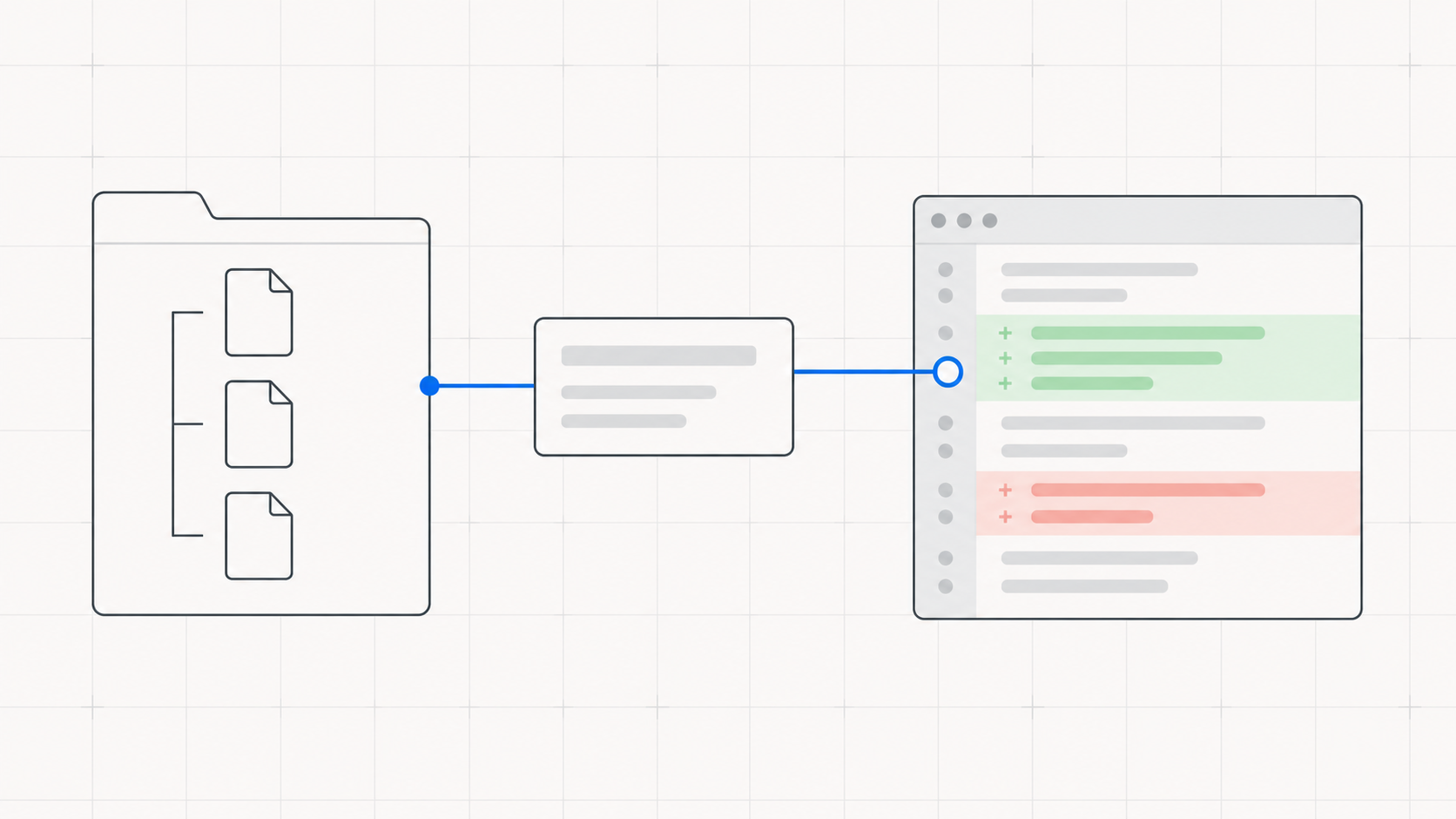
A team knows things a generic reviewer cannot infer from a diff. A schema edit may require a backfill. A change to an authentication path may need a logout test. If that knowledge lives only in a senior engineer's head, an AI-written pull request can look complete while skipping the question that matters.
In Review Assist, put those questions in a .reviewer/ folder at the repository root. The cold Intent Reviewer reads the folder after the diff and before its first interview round. It asks the Author about the local invariant alongside its baseline and diff-specific questions. Here is a practical way to make that part of your code review process.
Write a question tied to a real invariant
Start with a failure your team has seen, or a pairing your system depends on. Write the rule as a conditional question, with the evidence that would settle it. Do not write “check migrations” if a reviewer cannot tell which change should trigger that check.
For example, suppose every new non-null column must include a backfill for existing rows. A useful .reviewer/README.md rule is: “When a migration adds a non-null column, ask which step backfills existing rows and which test exercises an old row. If there is no backfill, ask why existing rows cannot occur.”
That question names the trigger, the risk, and the evidence. It also allows a valid answer when the premise does not apply. A generic checklist item like “verify database changes” leaves the reviewer and author guessing.
Keep the folder small and reviewable
Commit Markdown in .reviewer/ with the code. A README can explain the few rules that apply everywhere; separate files can hold area-specific questions, such as verification.md for what counts as tested. This repository's own house rules are an example: prompt edits need observed before-and-after behavior, and schema changes must not be batched as incidental.
- •Prefer questions over commands. Ask what a change proves or what risk it leaves, instead of prescribing an answer the code may not support.
- •Avoid repeating the baseline. The reviewer already asks about the user's request, assumptions, abandoned work, incidental hunks, and verification. Local rules should add knowledge that the diff alone cannot supply.
- •Review rule changes like code. The folder is repository content, so a pull request can edit it. Review Assist treats it as untrusted reference material and includes
.reviewer/changes in diff coverage.
The tool serves readable .md, .markdown, and .txt files. It lists other file types but does not read them as rules. An empty or absent folder is normal and leaves the baseline interview in place.
Check the question reached the review
Use a representative PR or test change that triggers the rule. Generate its Intent Document, then inspect the interview and the reviewer's closing findings. For the non-null column example, look for the backfill question, the Author's evidence, and any unresolved verification gap. If the question never appears, make the trigger more explicit and check that the rule file is in a readable format.
The folder does not turn a convention into an automatic failing check. Review Assist's local submission gate still checks schema, coverage, staleness, cross-references, and secret redaction. Repository questions can expose a missing migration or test, but someone still needs to judge the answer and fix the code if the evidence is weak.
Keep each rule linked to an actual failure mode. When that failure mode changes, edit the rule in the same pull request and explain why. That gives the next reviewer a code review workflow they can inspect, rather than a checklist that quietly grows stale. Read the architecture for the interview boundary, or install Review Assist to try the question on a real PR.
Review AI-written code with its intent intact
Review Assist is free, open source, and stores none of your code.
Install Review Assist